Hi Jerzy,
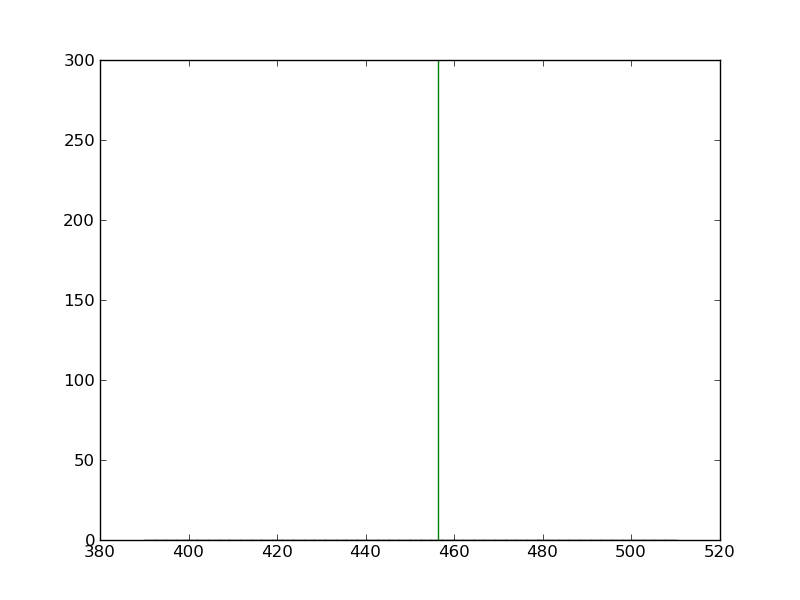
Thank you for your answer. With the code below I get only a green line (see attached line.png):
import numpy as np
import matplotlib.pyplot as plt
hist_data = []
heigth = max(hist_data) + 10
mean = np.mean(hist_data)
f = plt.figure()
h = f.add_subplot(111)
h.hist(hist_data, bins=50, normed=True)
h.plot([mean,mean],[0,height])
f.savefig(‘myhist.png’)
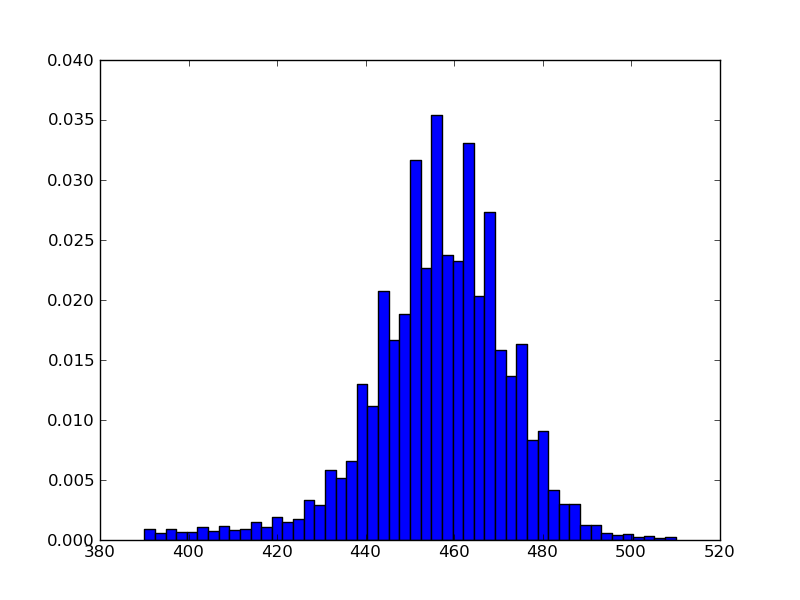
without h.plot() I get a histogram (see attached matplot_hist.png).
How can I get the line and the histogram at the same time in the picture?
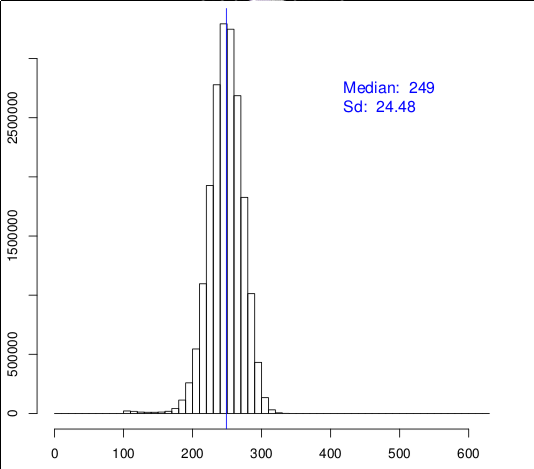
How is it possible to norm the vertical axis in order to get similar results like in this picture (see attached hist.png)?
Thank you in advance.
···
On Wed, Mar 7, 2012 at 6:41 PM, Jerzy Karczmarczuk <jerzy.karczmarczuk@…4013…7…> wrote:
Mic:
Hello,
I am able to draw a histogram with the following code:
…
h.hist(hist_data, bins=50, normed=True)
However, I don't know how to draw a line for median at 249position like in attachment.
Are your axes really matplotlib axes? (I have doubts, since thevertical is not normed, although your histogram is).
In your real axes, the command plot([249,249],[0,height]) draws avertical line (there is a primitive vert. line as well), what is the
problem??Jerzy Karczmarczuk
Virtualization & Cloud Management Using Capacity Planning
Cloud computing makes use of virtualization - but cloud computing
also focuses on allowing computing to be delivered as a service.
http://www.accelacomm.com/jaw/sfnl/114/51521223/
Matplotlib-users mailing list
https://lists.sourceforge.net/lists/listinfo/matplotlib-users